
Chrono
The lap timer that tells you why
- 25 Hz
- GPS update rate
- 4
- timing configurations
- 5
- vehicle types
UCI Downhill World Cup practice, Loudenvielle.
BYB Chrono is a GPS lap timer and run analysis system for mountain bike, motocross, road, quad and car.
Timing runs on GPS alone, with nothing to place at the track. Coded triggers, which work as transponders, are the option for splits that have to be exact regardless of GPS position or reception.
299,00 € excl. VAT
Four ways to run it
- GPS
- GPS + speed sensor
- GPS + trigger
- GPS + speed sensor + trigger
Triggers are optional. GPS alone times a lap with nothing placed at the track
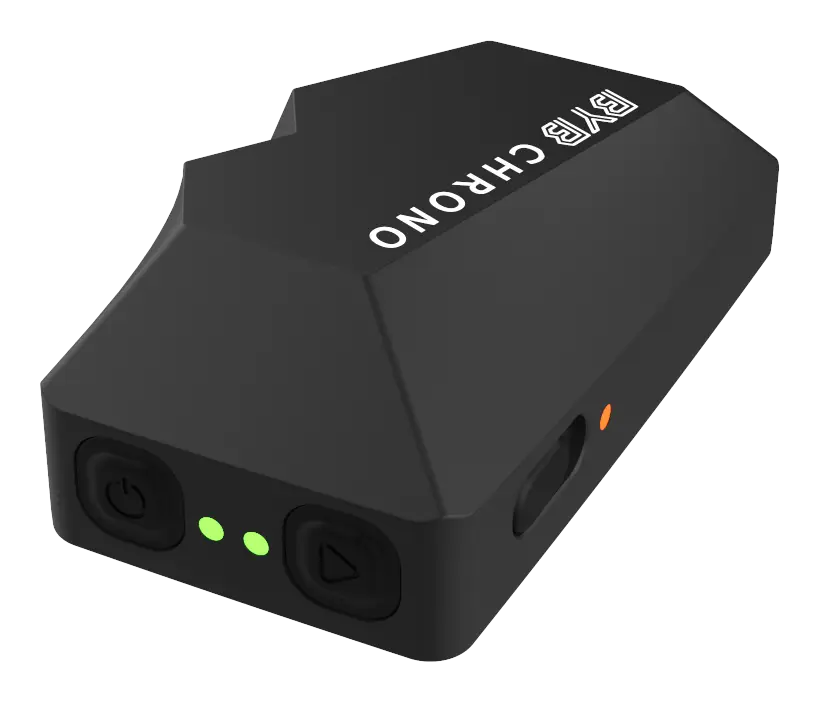
Where the triggers go
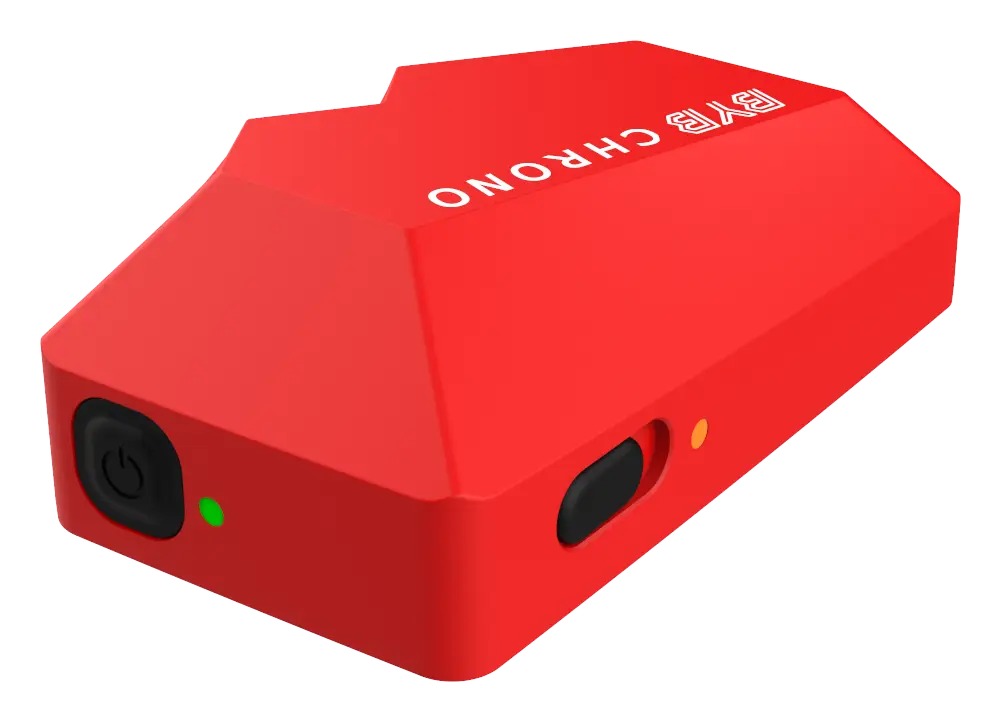
A trigger is a small red box placed beside the track. How many a session needs depends on whether the run comes back to where it started.
What a run comes back with
Draw your splits, or let the coded triggers pick your times automatically. Understand where there is room for improvement, and check your lines thanks to the high-accuracy GPS.
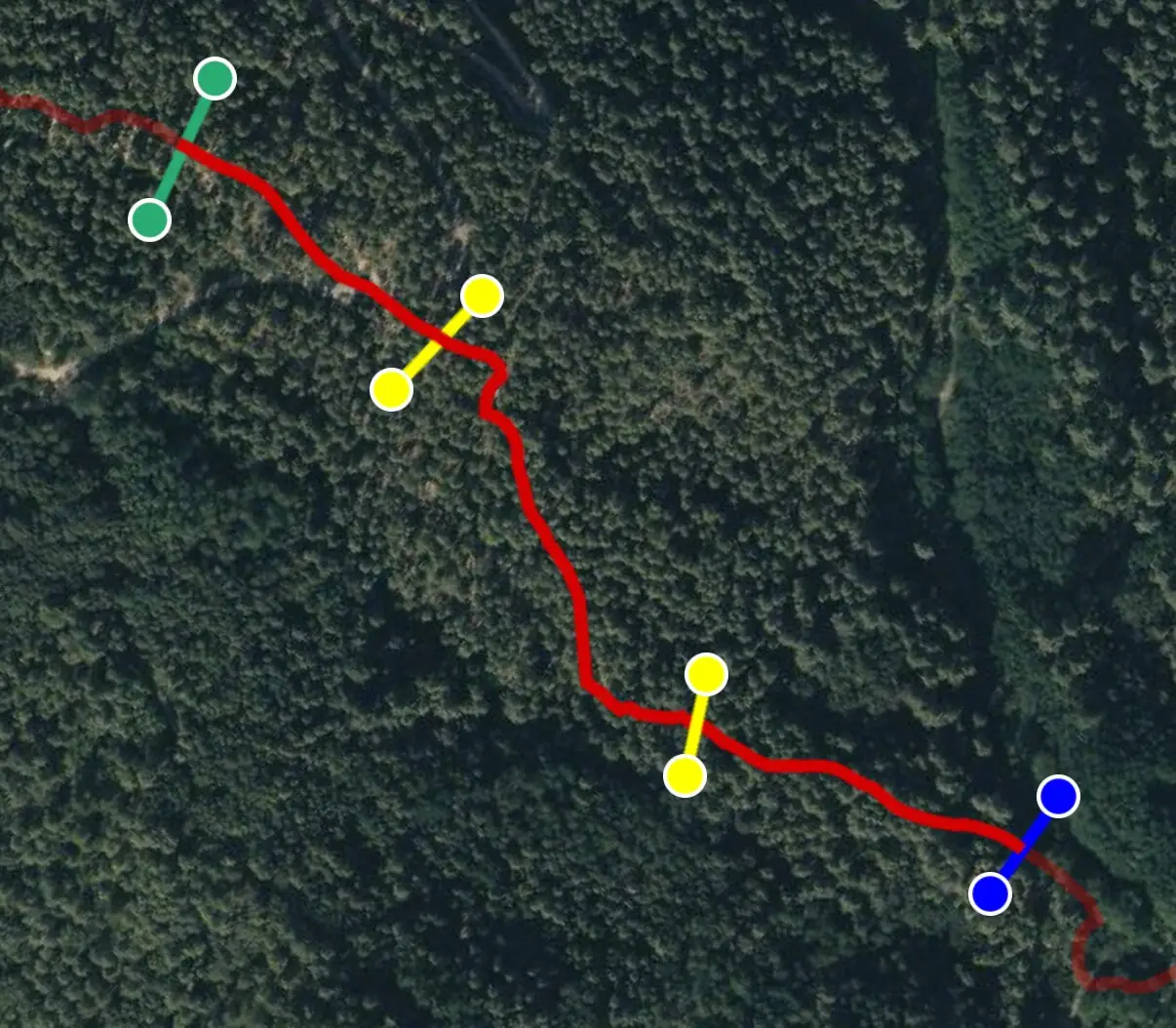
Splits you draw
Draw the split lines on the map yourself, and Chrono times each section between them. Nothing to fit at the track.
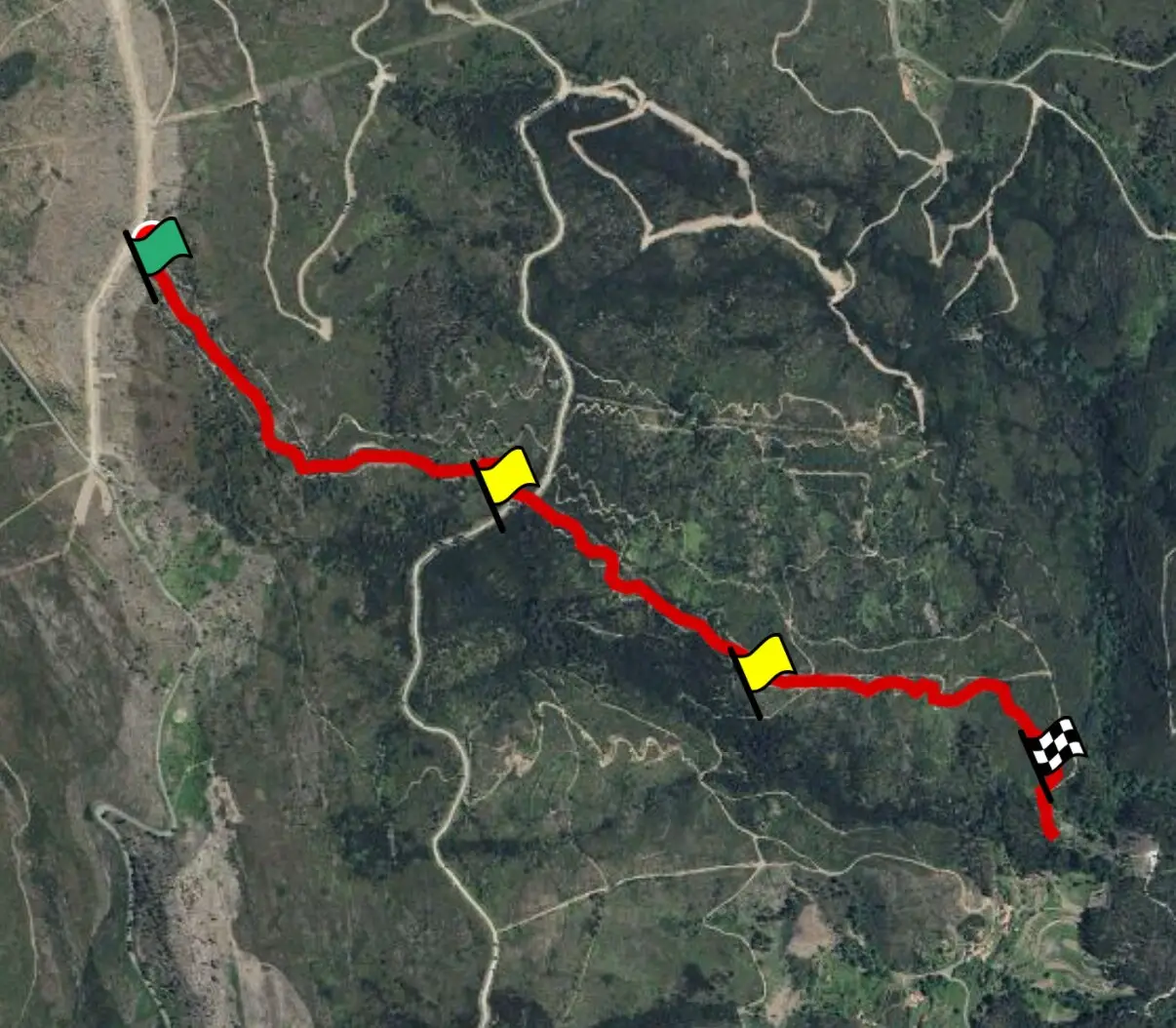
Splits a trigger places
Put a coded trigger beside the track. Chrono recognises it on every pass, times the split, and automatically marks where that gate is on the map. Triggers and drawn splits can run in the same session.
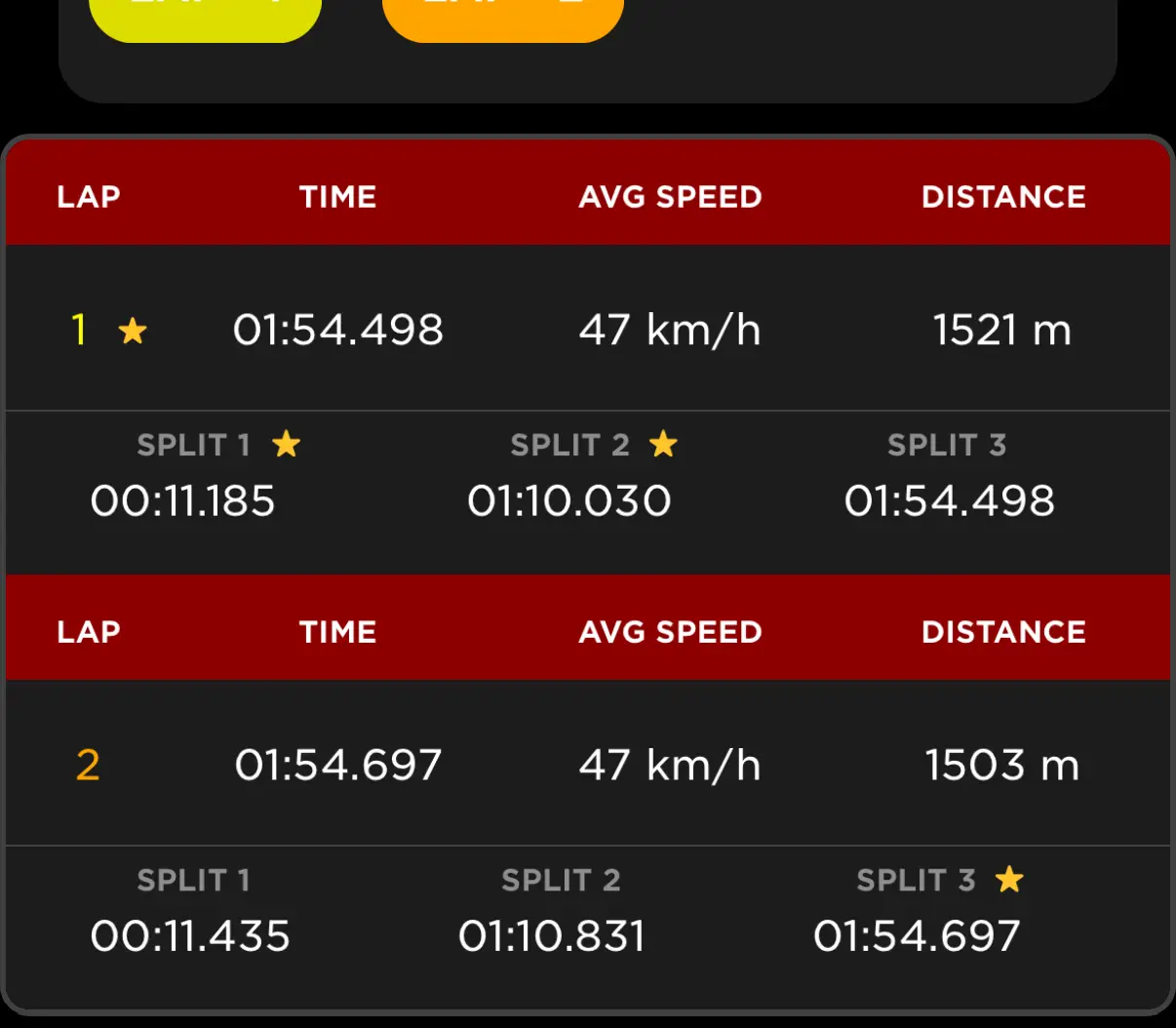
Lap and run times
Every lap is timed and listed together, so the fastest one is a fact rather than a feeling. Total time and moving time are listed separately.
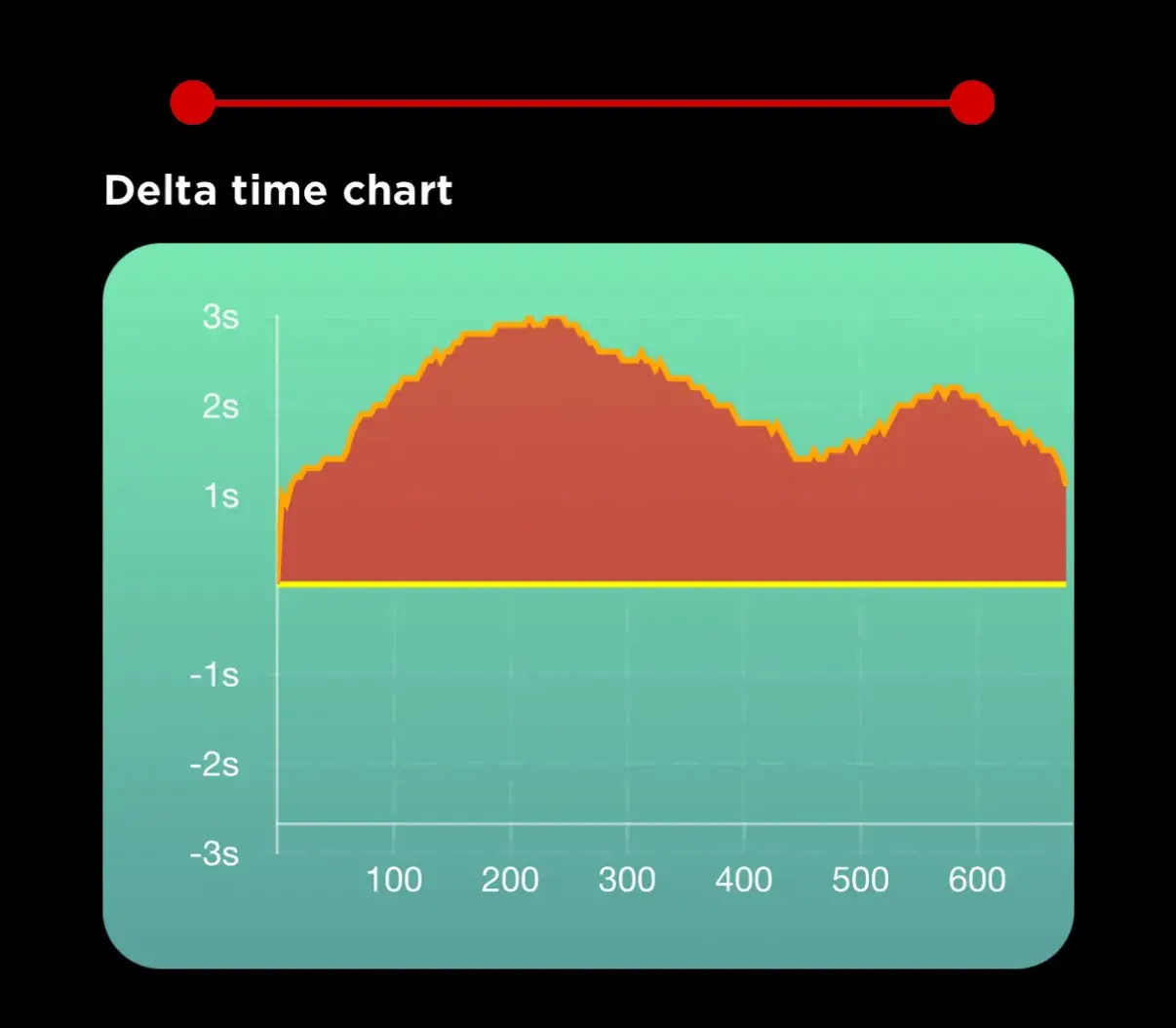
Delta between two runs
Two runs of the same track, laid one over the other. The chart shows the gap between them the whole way round, so the place a lap was lost is visible rather than guessed.
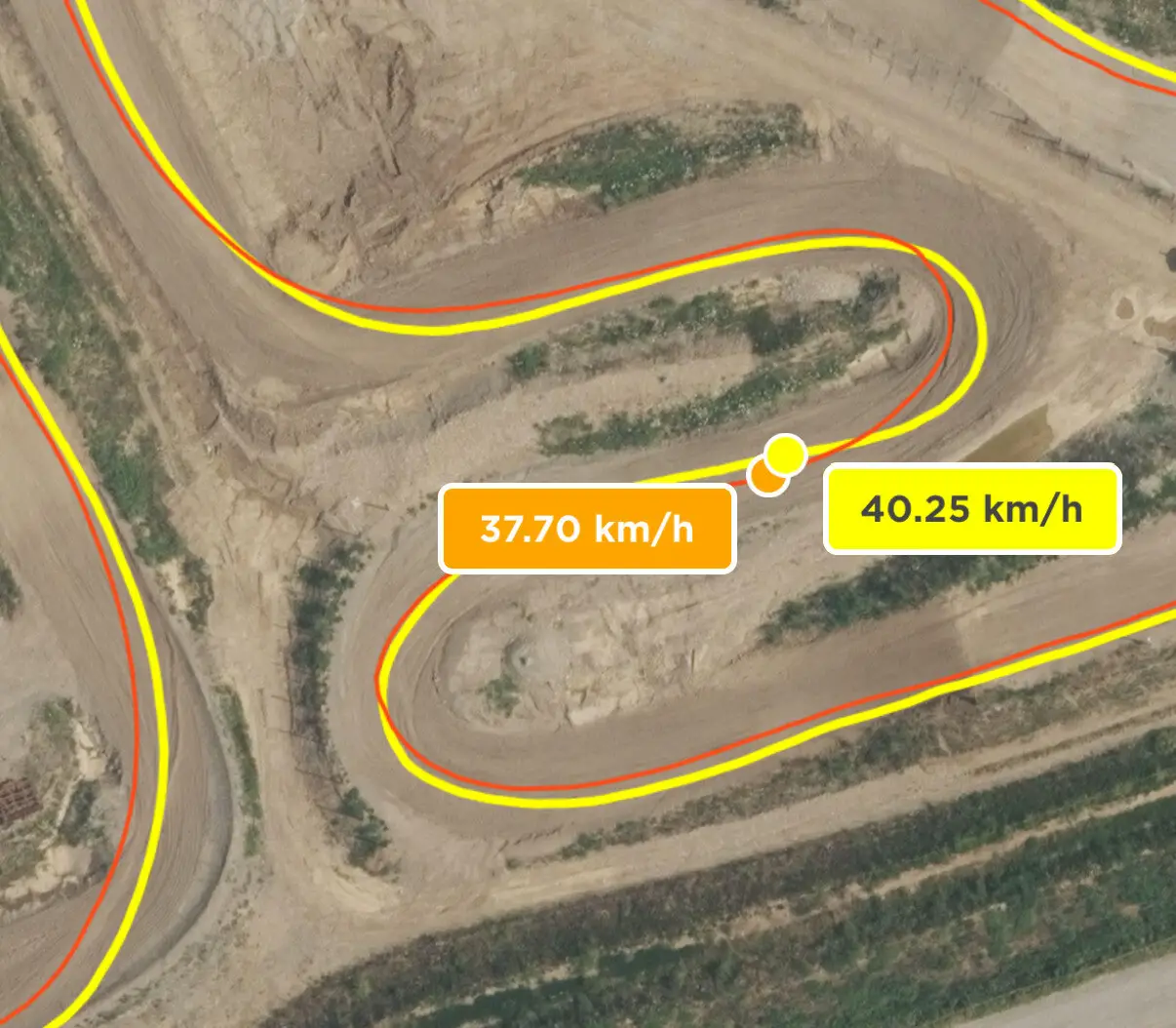
Line and trajectory
The line actually ridden through a corner, with entry speed and exit speed read off the same trace. Two attempts sit side by side, so a wider line that carried more speed out is visible against a tighter one that did not.
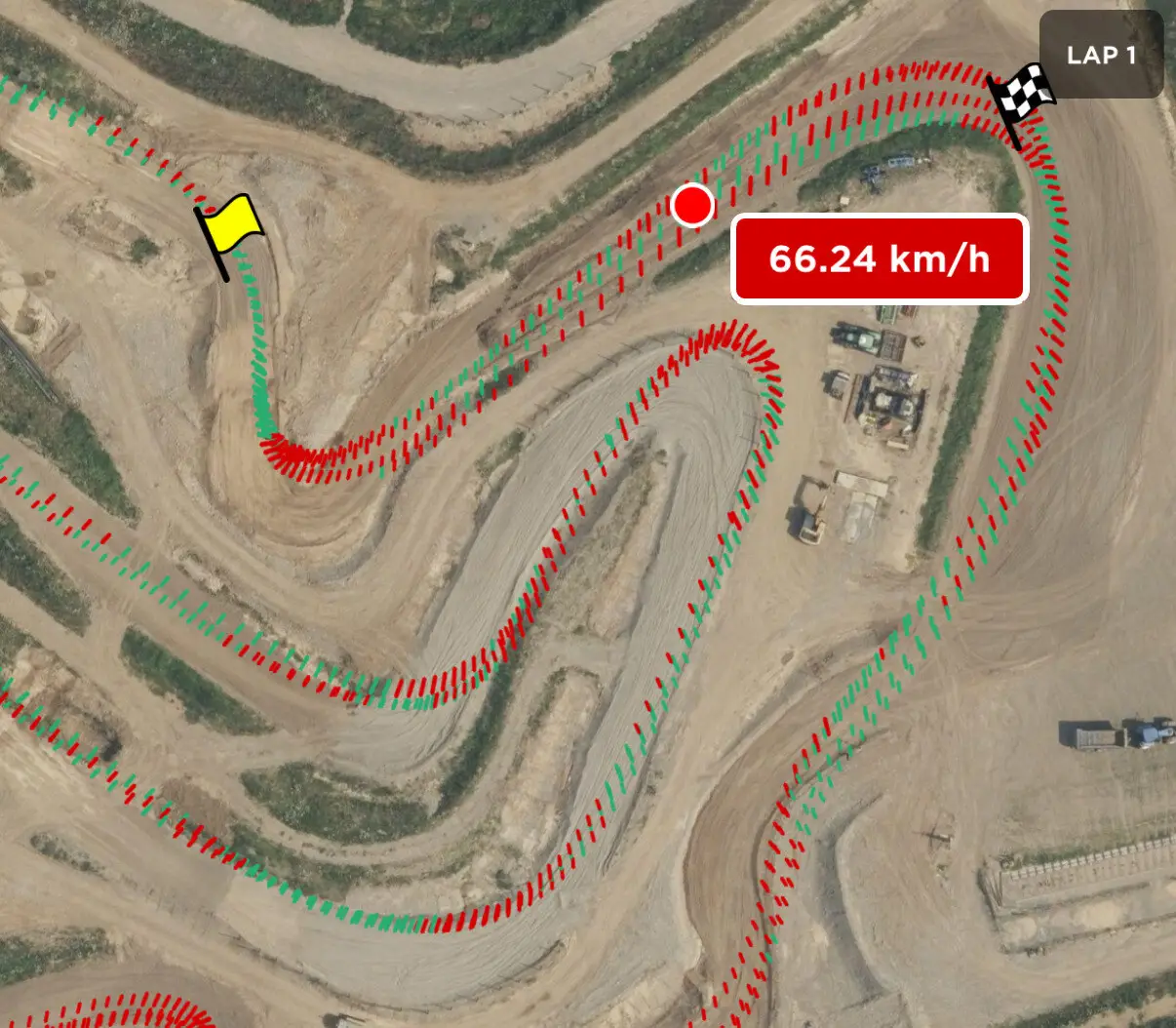
Braking and acceleration
Green where the rider was accelerating, red where they were braking — drawn along the ridden line itself, with the speed at that point beside it. A corner entered too hot becomes a place on the map rather than a memory.
How Chrono times a lap
Four configurations, and a rider picks one per session. The choice is about what triggers the timing: satellites, a coded transponder at the line, or both together.
| Available configurations | What it adds |
|---|---|
| GPS | Multi-constellation GPS at 25 Hz. Nothing to place at the track and nothing to fit beyond Chrono itself. |
| GPS + speed sensor | The built-in speed sensor carries distance and comparison under dense tree cover. |
| GPS + trigger | A coded transponder at the line. Timing stops depending on GPS position or reception, and every trigger location automatically appears on the map. |
| GPS + speed sensor + trigger | All three: triggered timing, distance carried by the speed sensor, and position for line analysis. |
Triggers, by lap type
A point-to-point run and a circuit are different timing problems, and they need a different number of triggers. Chrono handles both, plus splits placed on a map with no hardware at the track at all.
- Open lapTriggers needed 2
- A point-to-point run, where the start and the finish are different places. Two triggers minimum, one at each end. Every trigger added between them times a split.
- Closed lapTriggers needed 1
- A circuit that crosses the same line twice. One trigger minimum, at the start-finish, and it times every lap after the first. Every trigger added around the circuit times a split.
- GPS waypointTriggers needed —
- Splits dropped on the map rather than placed on the track. No trigger at all is the minimum here — and a trigger added later times a split alongside them.
Try it here
Where the lap was actually won
This is the comparison view from the Chrono app, running on this page. Drag through the lap: the two speed traces are the same rider on the same track, and the strip underneath is the running time difference between them.
Distance 863 m
Delta −0.9 s Lap 2 ahead
- Lap 1
- 132.9 s
- Lap 2
- 131.7 s
- Speed, full scale
- 55 km/h
- Delta, full scale
- ±3.3 s
| Section | Lap 1 | Lap 2 | Delta |
|---|---|---|---|
| Section 1 | 45.1 s | 42.0 s | −3.1 s |
| Section 2 | 42.4 s | 45.0 s | +2.6 s |
| Section 3 | 45.4 s | 44.7 s | −0.7 s |
Illustrative data — a worked example of the comparison, not a recorded Chrono session.
Below the zero line the second run is ahead; above it, behind. The lap the strip ends on is the faster lap — but the split table shows one section where the slower lap was the quicker of the two, which is the part a finish-line time throws away.
Coding the triggers
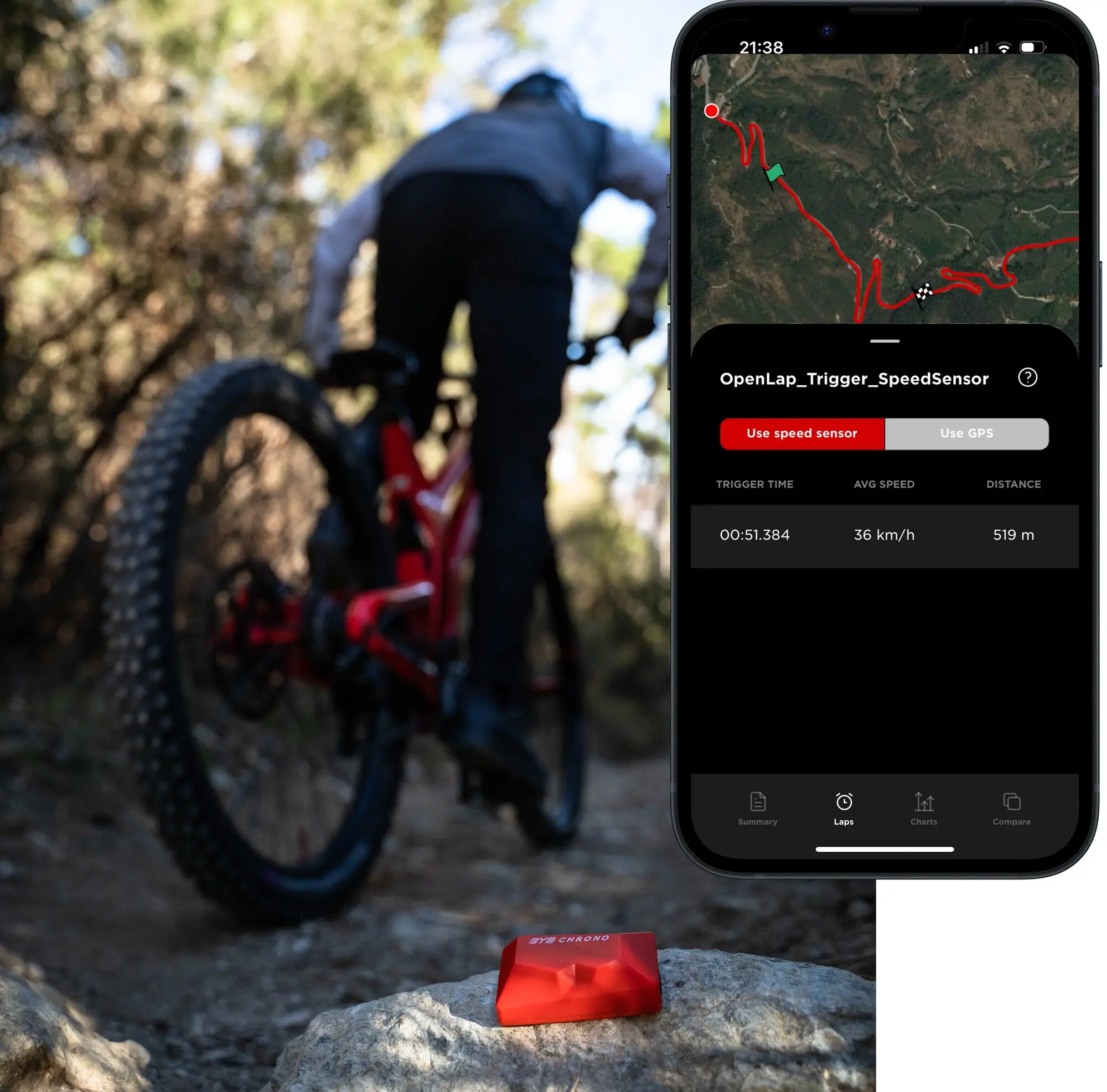
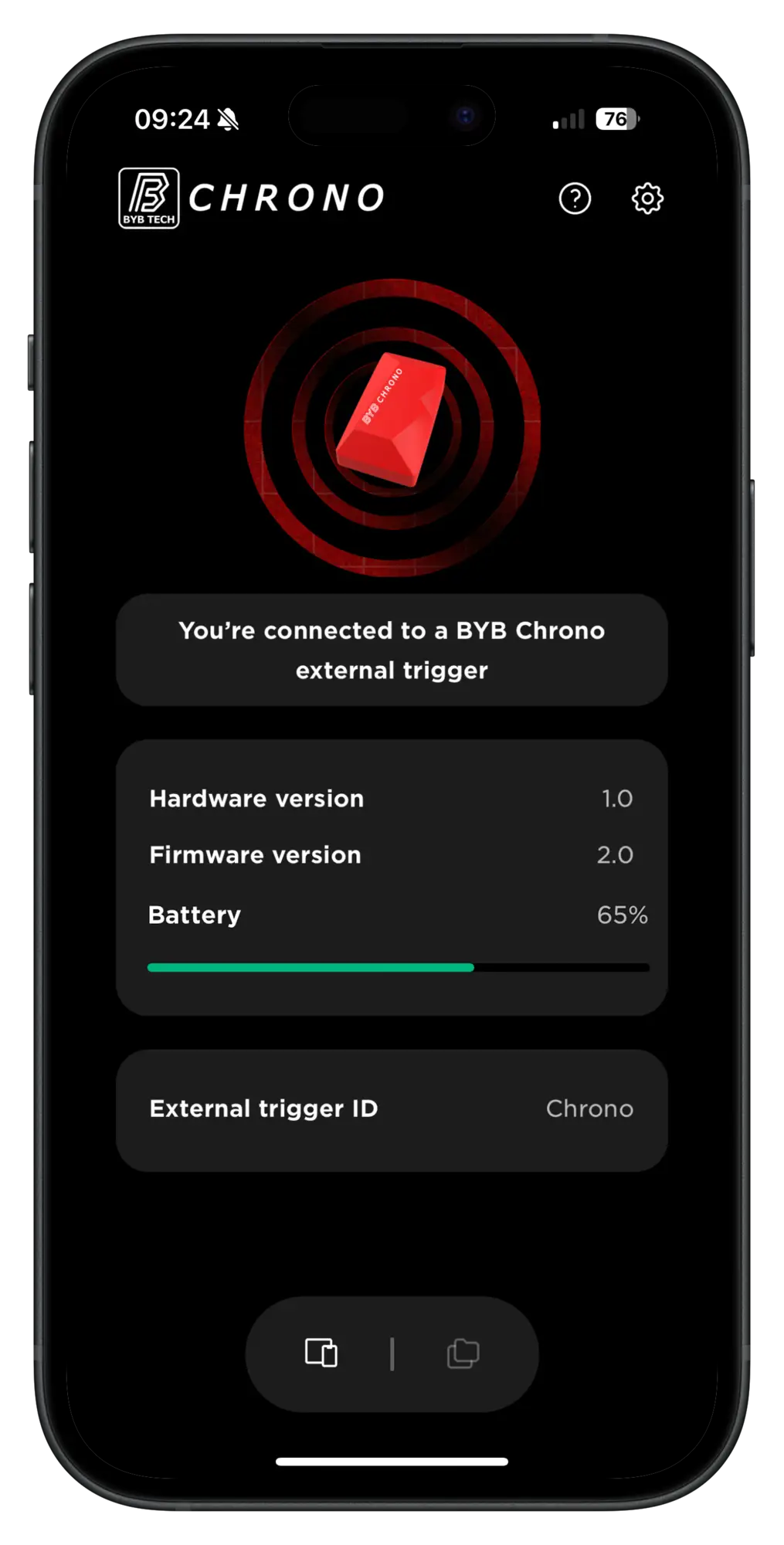
Every trigger is given its own code in the app, and the Chrono is synced to the codes it should answer to. Someone else running triggers on the same track cannot touch your timing — and your times land to the millisecond.
- Every trigger is given its own code in the app
- The Chrono is synced to the codes it should answer to
- Another rider's triggers on the same track are ignored, and yours ignore theirs
- Times land to the millisecond — 00:51.384, not 00:51.4
What Chrono fits
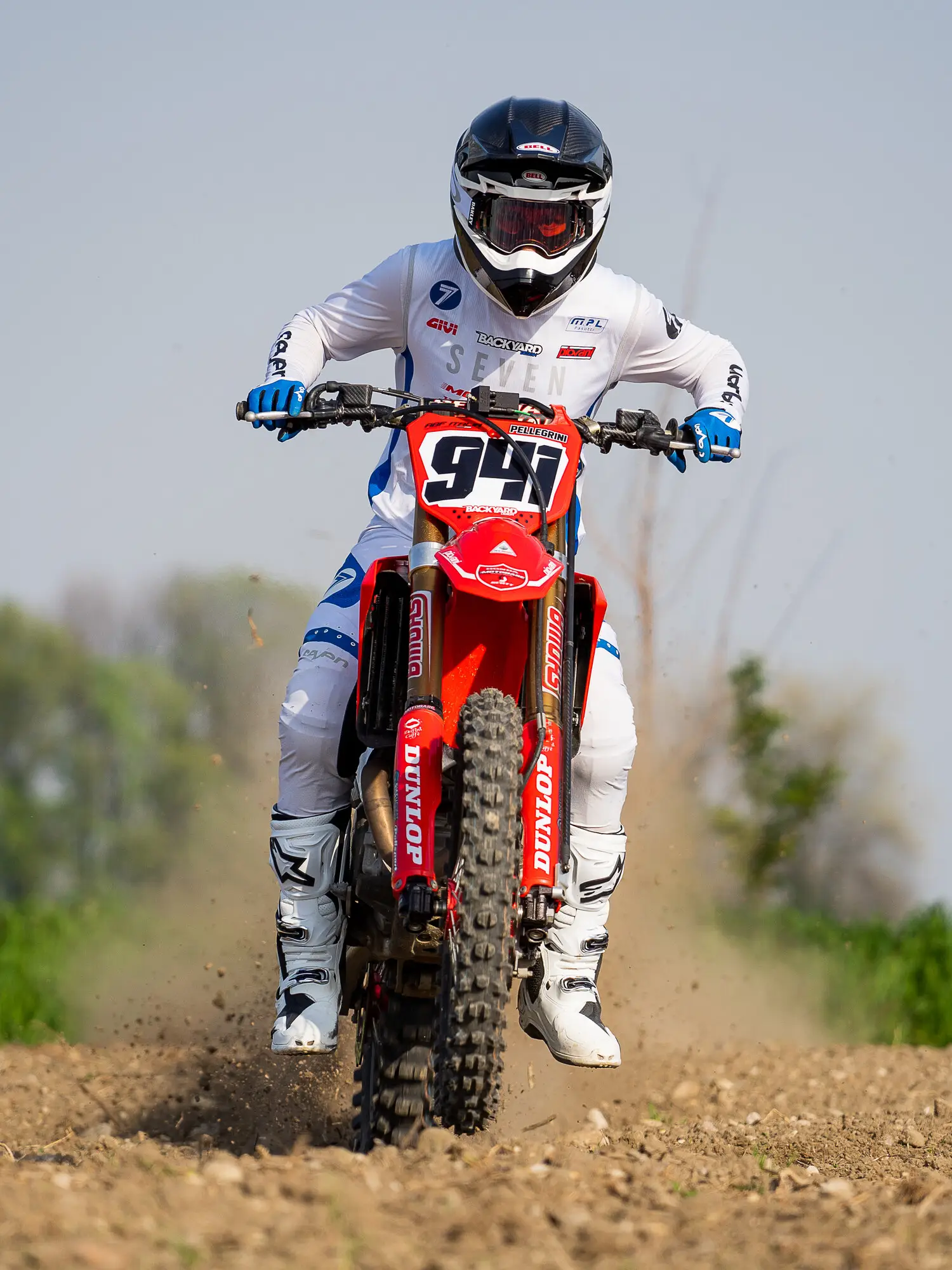
One device, five vehicles. A lap is a lap, whatever is running it.
- MTB
- Moto
- Quad
- Car
- Road
How it mounts
A plain threaded bracket, not a proprietary cradle. The injection-molded mounting provided can be used to fit Chrono on the majority of bikes and vehicles.
Those three are examples rather than a limit. Where you can, mount it facing the sky: a clear view upward improves GPS accuracy.
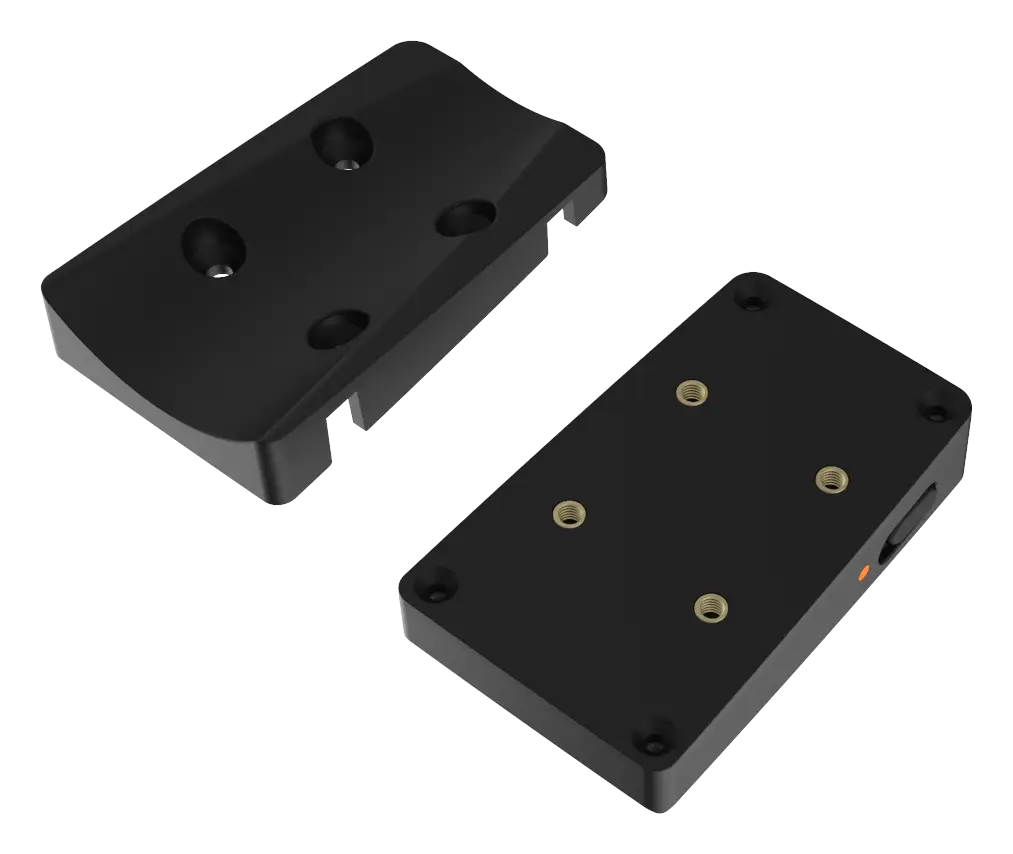
The threaded bracket
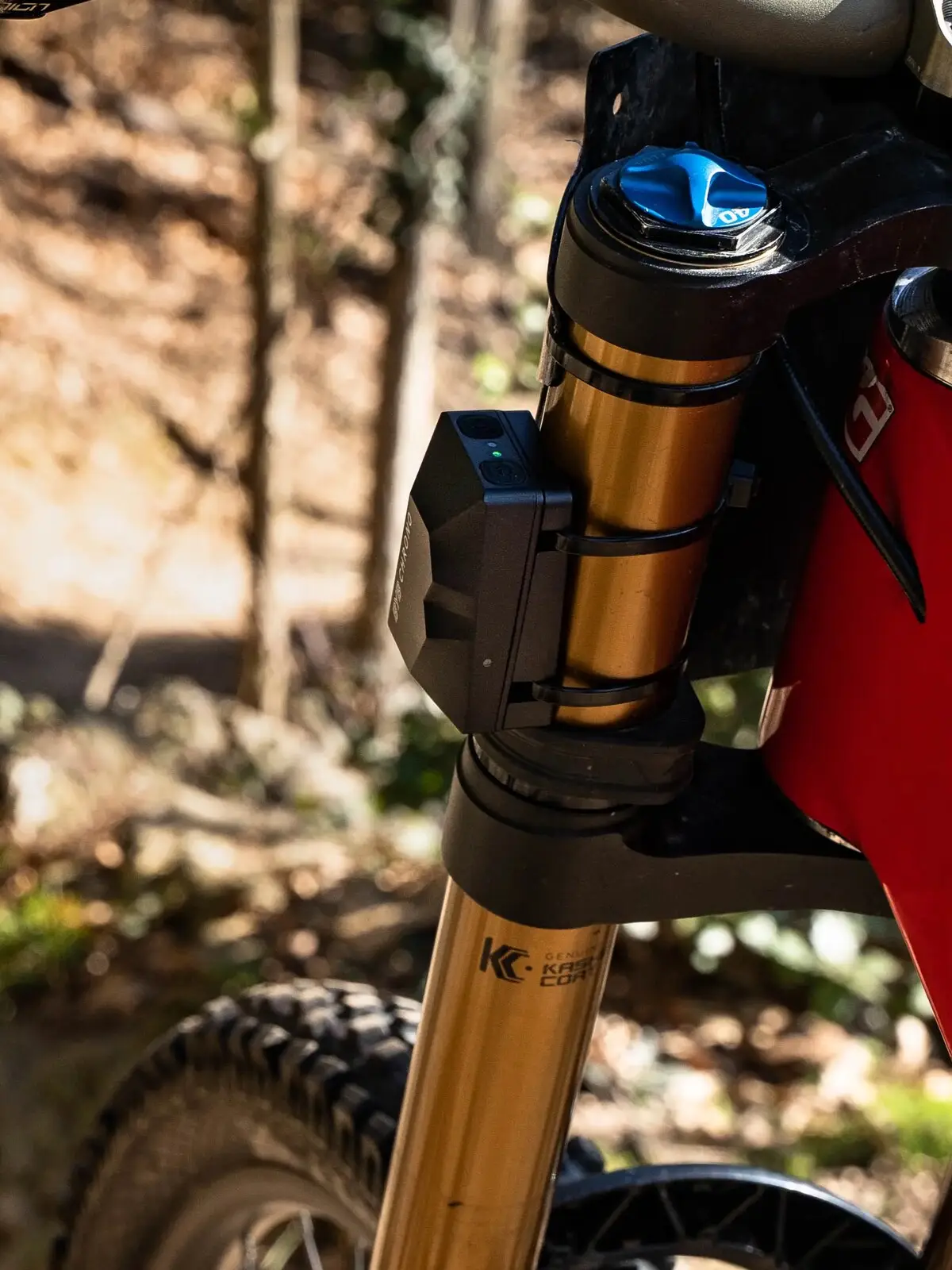
On the fork crown
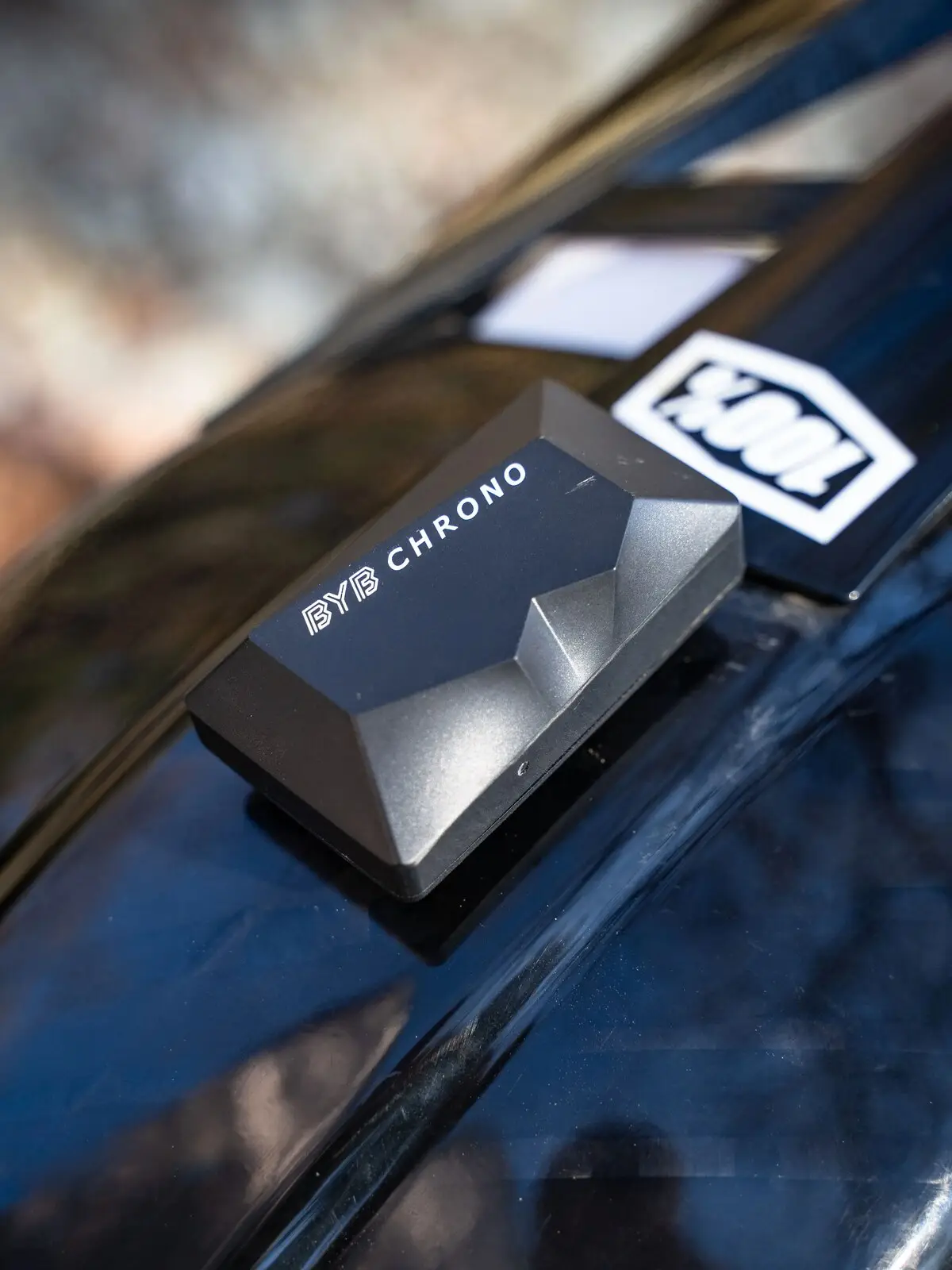
On the helmet
Nine minutes through the app
BYB Tech's own walkthrough of the Chrono app, recorded end to end. It covers what you need to get started.
FAQ
Questions about the Chrono lap timer
- What does BYB Chrono measure?
- Lap times, split times, speed, airtime, braking and acceleration points, and the line taken through a corner with its entry and exit speed. Position comes from a multi-constellation GPS updating 25 times a second, and a built-in speed sensor carries distance where reception is poor.
- Can Chrono be used as a motocross lap timer?
- Yes. Chrono fits motocross and dirt bikes, and a motocross track is a closed lap. GPS at 25 Hz times every lap on its own, or one coded trigger at the start-finish works as a transponder and times every lap after the first. Each lap comes back with split times, the line and the braking points.
- Is Chrono an MTB timing system for downhill and enduro?
- Yes. A downhill run or an enduro stage is an open lap, with the start and the finish in different places. Chrono times it on GPS alone, or with two triggers, one at each end, and every trigger between them times a split, up to ten. It works on a mountain bike and on an enduro motorcycle.
- Does Chrono work as a lap timer for track days?
- Yes. Chrono fits road motorcycles and cars, and a track-day circuit is a closed lap. GPS alone times every lap, and one trigger at the start-finish times them independently of GPS reception. Each lap comes back with split times, the line through every corner and the braking points, and two laps can be laid one over the other.
- How many triggers do I need?
- None, to start with — triggers are optional and Chrono times a lap on GPS alone. If you do use them, a closed lap needs one at the start-finish and an open lap needs two, one at each end. Every trigger beyond that minimum becomes a split, up to ten splits.
- Does Chrono need a trigger at the track?
- No. Chrono times laps on GPS alone, and splits can be dropped as waypoints on the map with no hardware at the track. A coded trigger is the option for timing that does not depend on GPS position or reception at all — one trigger for a closed lap, two for a point-to-point run.
- Can several riders use triggers on the same track?
- Yes. Each trigger carries its own code, so there is no interference between units and each rider's timing stays theirs.
- Do Chrono's triggers work like transponders or timing gates?
- Yes. A trigger is a small red coded box placed beside the track, and it works as a transponder: Chrono recognises it on every pass, times the lap or the split, and marks where that gate is on the map. One trigger times a closed lap, two time an open lap, and each one added becomes a split, up to ten splits.
- How accurate is Chrono's timing?
- Times land to the millisecond: 00:51.384, not 00:51.4. Chrono's multi-band, multi-constellation GPS updates 25 times a second (25 Hz). With the triggers, timing is more accurate than GPS-only timing, because the trigger marks the line itself instead of depending on GPS position or reception.
- Is Chrono waterproof?
- Yes. The Chrono and its external triggers are waterproof and water resistant, so a session is not cut short by rain.
- How is Chrono different from a stopwatch?
- A stopwatch returns one time per run, and someone has to press it. Chrono returns every lap and split time to the millisecond, the gap between two runs the whole way round, the line through each corner and where the brakes went on, from GPS at 25 Hz.
- Is there a Chrono app, and does it cost extra?
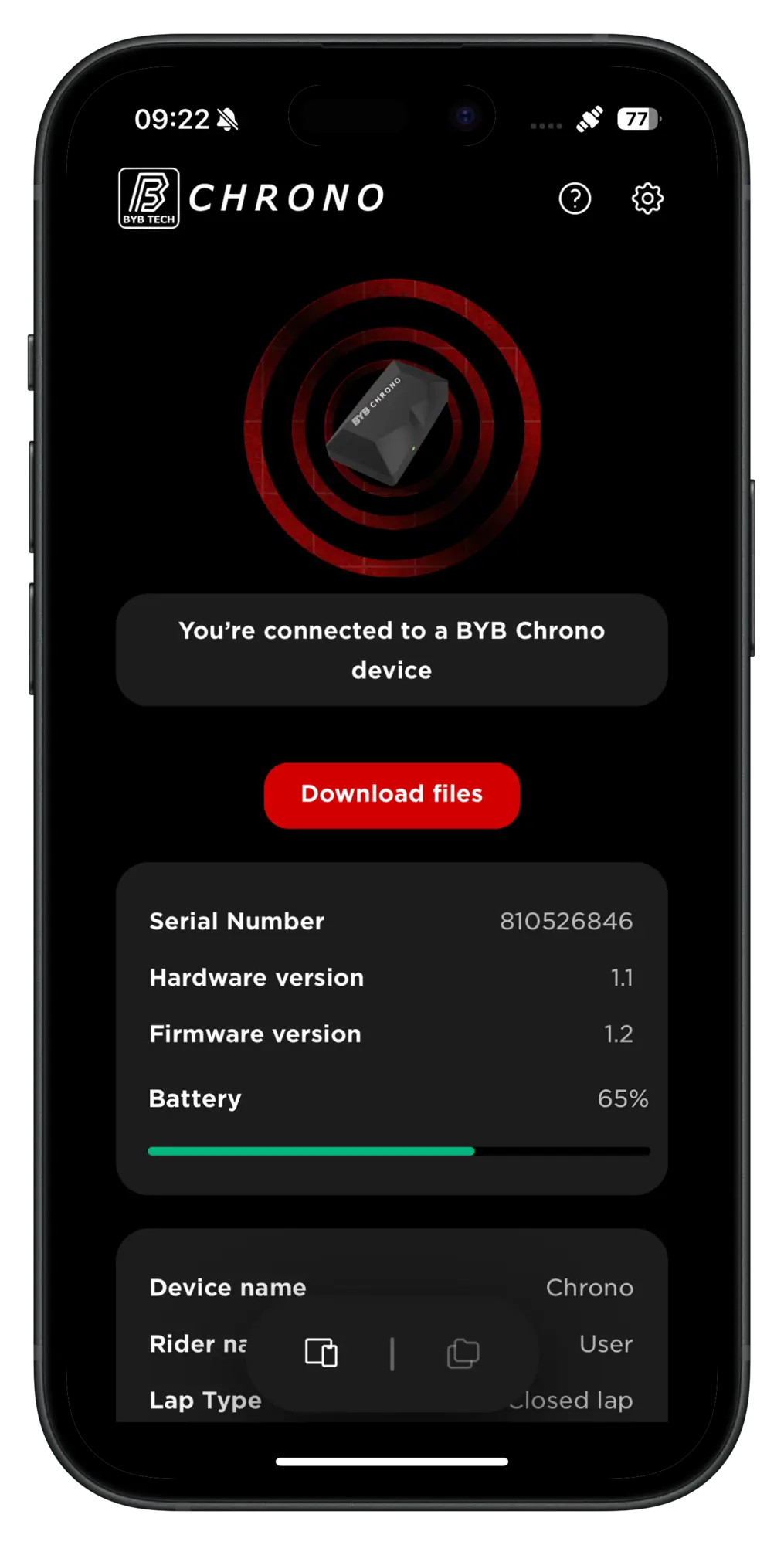
- Yes, for iOS and Android phones and tablets, with no extra fees and regular updates included. The app pairs both the Chrono and its triggers, and it is where each trigger is given its own code.
- Why does Chrono have a speed sensor if it has GPS?
- Tree cover. A wooded descent is where GPS reception degrades and where accurate distance matters most, because comparing two laps means comparing them at the same point on the track. The built-in speed sensor carries distance and comparison through those sections.
- What vehicles does Chrono fit?
- Mountain bike, motocross, road, quad and car — five, more than any other product in the range. Road means road bicycles and road motorcycles alike. It mounts on a threaded interface: top tube, fork crown or helmet, and the same interface takes a custom 3D-printed bracket.
- Is Chrono a suspension data acquisition system?
- No. Chrono times laps and analyses runs. Suspension data acquisition — what a fork and shock actually do through a run — is what BYB Telemetry V3 and V3 Pro record. The two answer different questions and many riders run both.
Do you want your runs on every device?
The BYB Tech cloud keeps runs, riders, bikes and setup sheets in sync across every computer and phone you sign in to — and lets you send a run straight to your suspension tuner. Every account starts free.
The software and the app do the work on your own computer and phone, and local storage is unlimited — nothing you record needs a plan. The cloud adds what a second device, a suspension tuner or the AI Coach needs, and a plan that lapses falls back to the free tier rather than locking anything.
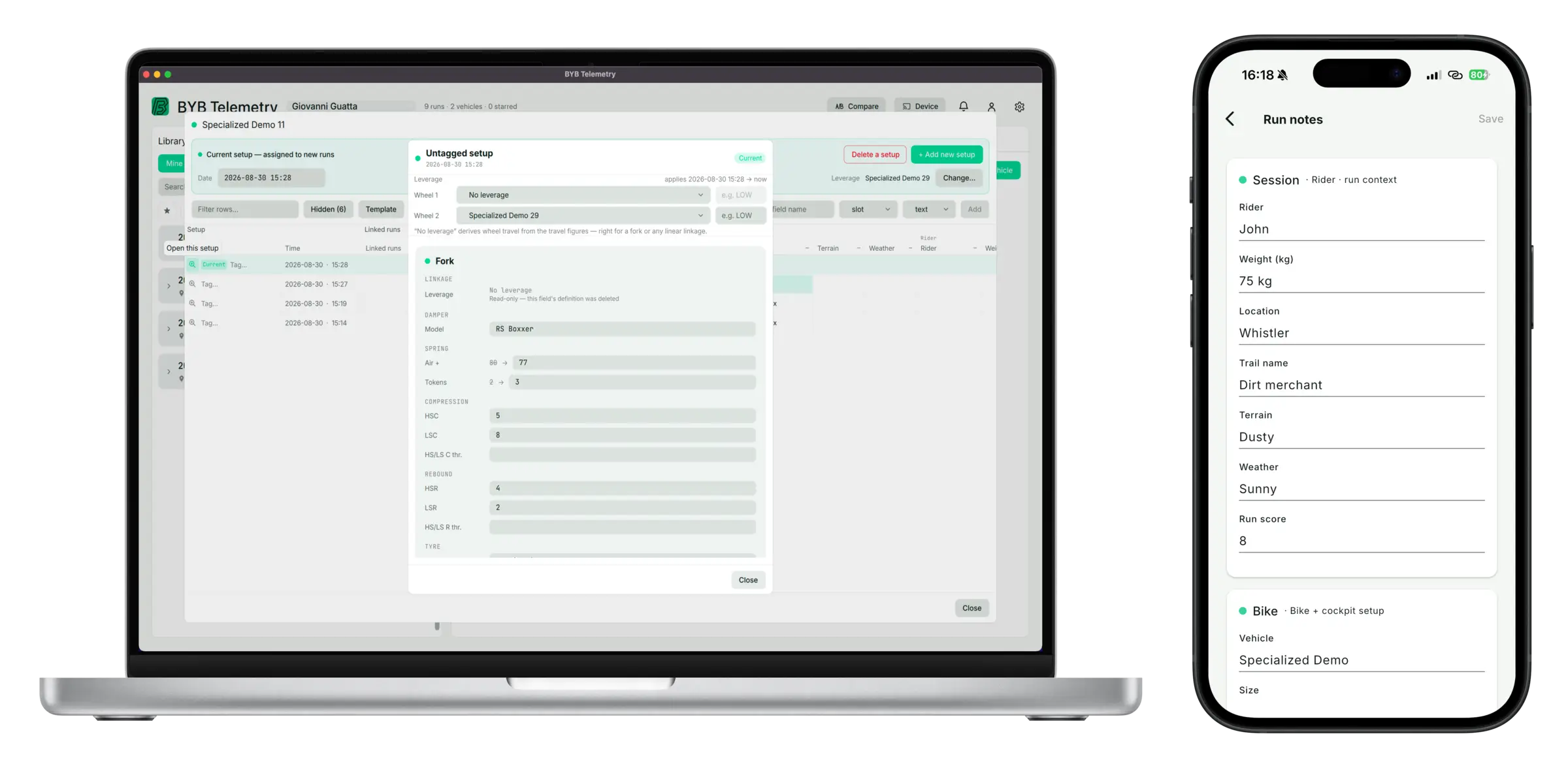
Get Chrono
Lap times, splits and airtime, from a device that fits on a top tube in minutes.